
How to Log into your Patient Portal
Accessing your Handcraft Health Patient Portal is quick and easy and there are no passwords to remember! Follow these simple steps to log in and manage your account.
Step 1: Visit the Login Page
- Go to Handcraft Health Patient Portal in your web browser.
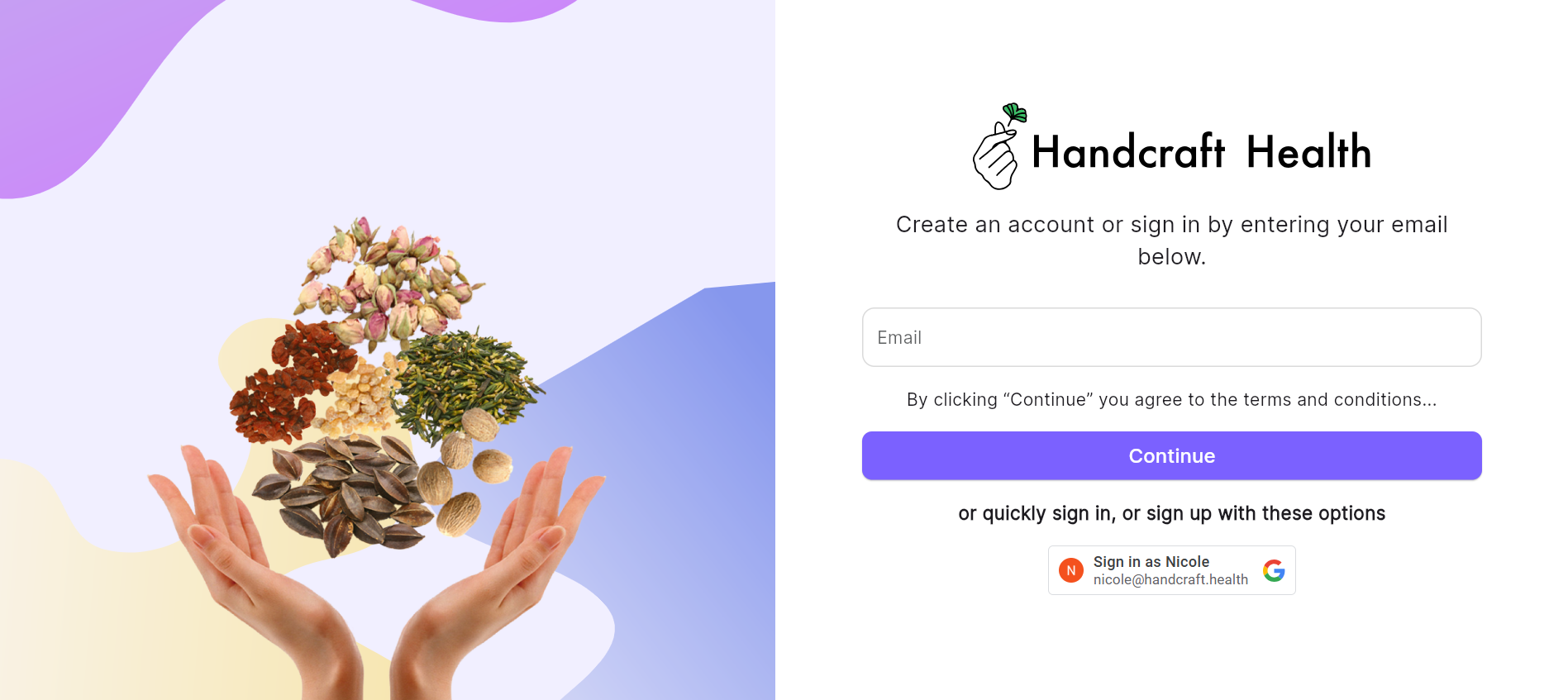
Step 2: Enter Your Email or Use Google Login
You can log in using either of the following methods:
- Email Login: Enter your registered email address.
- Google Login: Select the Google login option to sign in using your Google account.
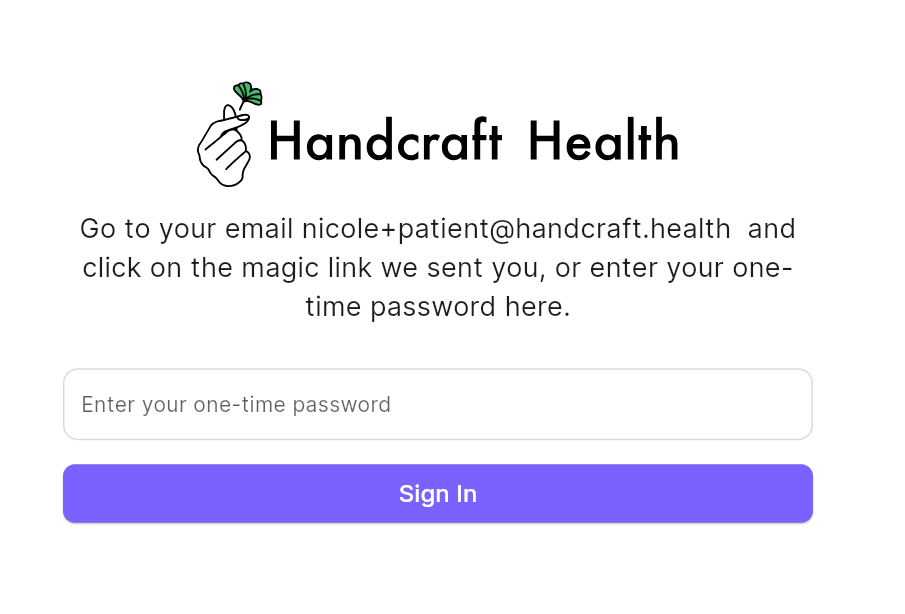
Step 3: Receive Your One-Time Access Code or Magic Login
Enter your email address and you will receive a one-time magic login or one-time code in your inbox.
- Magic Login: Click on the link in your email to be taken directly to your dashboard.
- One-Time Code: Enter the code from the email on the login page to access your account.
No more hassle of remembering passwords!
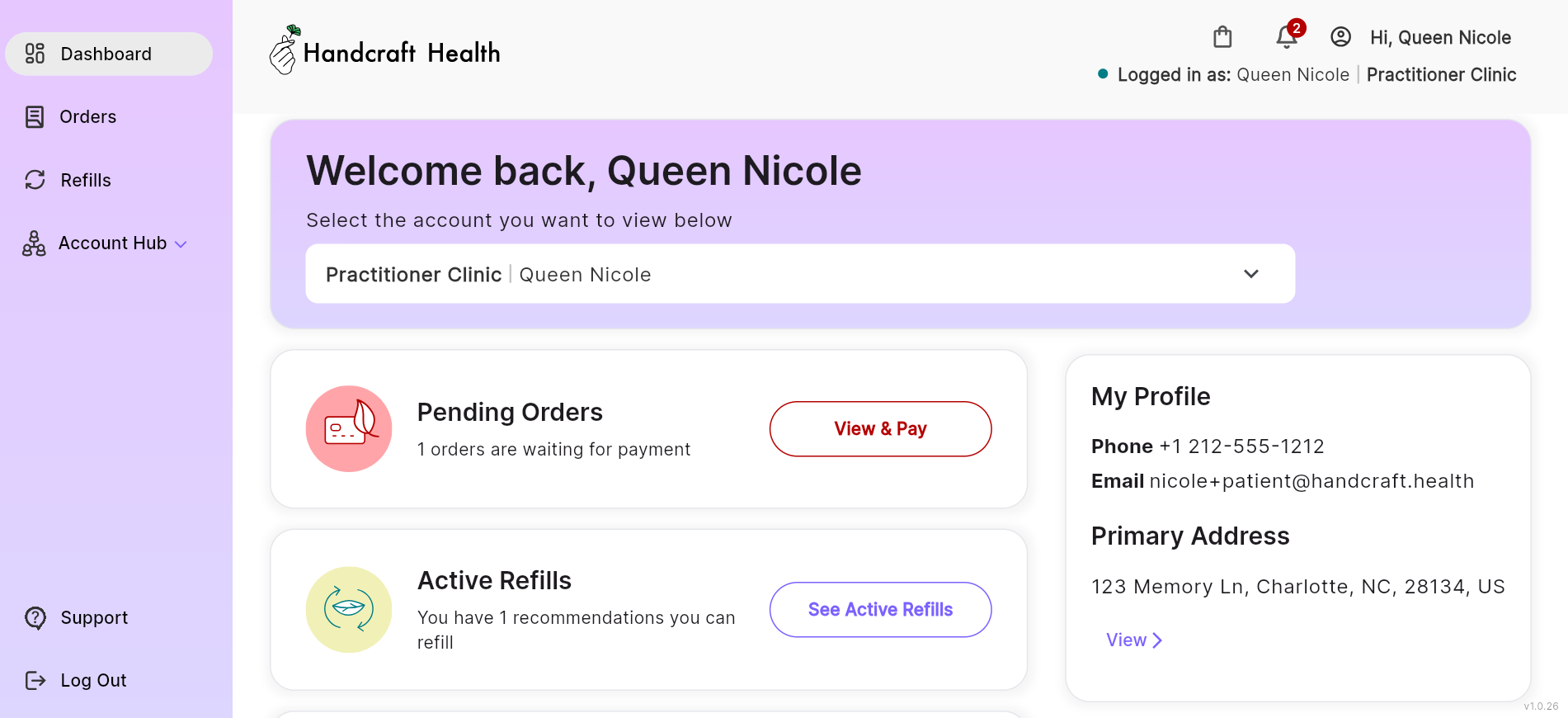
Step 4: Access Your Dashboard
Once logged in, you will be directed to your dashboard, where you can:
- View pending orders
- Request refills
- Manage and share your portal account
With this simple and secure login process, managing your health with Handcraft Health is easier than ever. If you have any trouble logging in, check your spam folder for the login email or reach out to support for assistance at support@handcraft.health.
Start managing your health today with the Handcraft Health Patient Portal!